

Write Markdown.
Ship a complete product.
M-Press turns ordinary Markdown into fast, searchable, accessible documentation. Rich components, translations, versions, checks, and deployment work together from the first build.
$ mpress build --strict
Parsed 511 pages
Built search indexes for 8 languages
Checked links and assets
Generated static site in 3.2 s
Rich documentation without a frontend project.
Use short, readable keywords for the patterns technical readers expect. M-Press supplies the markup, behaviour, responsive layout, and theme.
@terminalcreates a copy-safe command block.@stepsexplains a procedure with clear progress.@noteadds semantic guidance with the right visual weight.- Tabs, file trees, diffs, annotated code, tables, video, and API views are ready too.
$ mpress dev
Ready at http://127.0.0.1:4174
Write normally
Keep content readable in any text editor.
Build confidently
M-Press checks the site before it ships.
Let every reader shape the experience.
Accessibility is not a separate build or a hidden preference page. The reader menu stays in the navbar and saves choices only in that browser.
- Resize text and the reading column.
- Switch between a full-width and fixed-width site shell.
- Change type, spacing, contrast, link treatment, and colour profiles.
- Reduce motion, dim distractions, or follow a reading guide.
Text size
Site layout
Languages and versions are first-class content.
A translated site is more than copied paragraphs. M-Press keeps navigation, search, routes, components, code, links, metadata, and missing-page policy coherent for every language.
Version releases are immutable, checksummed static artifacts. Readers switch language or version from the same navbar that they already understand.
- docs/ — Source language
- en/ — English
- quick-start.md
- configuration.md
- fr/ — French
- quick-start.md
- configuration.md
- en/ — English
- .mpress/versions/ — Verified releases
- v1.0.0
- v1.1.0
- v1.0.0
The development server is your control room.
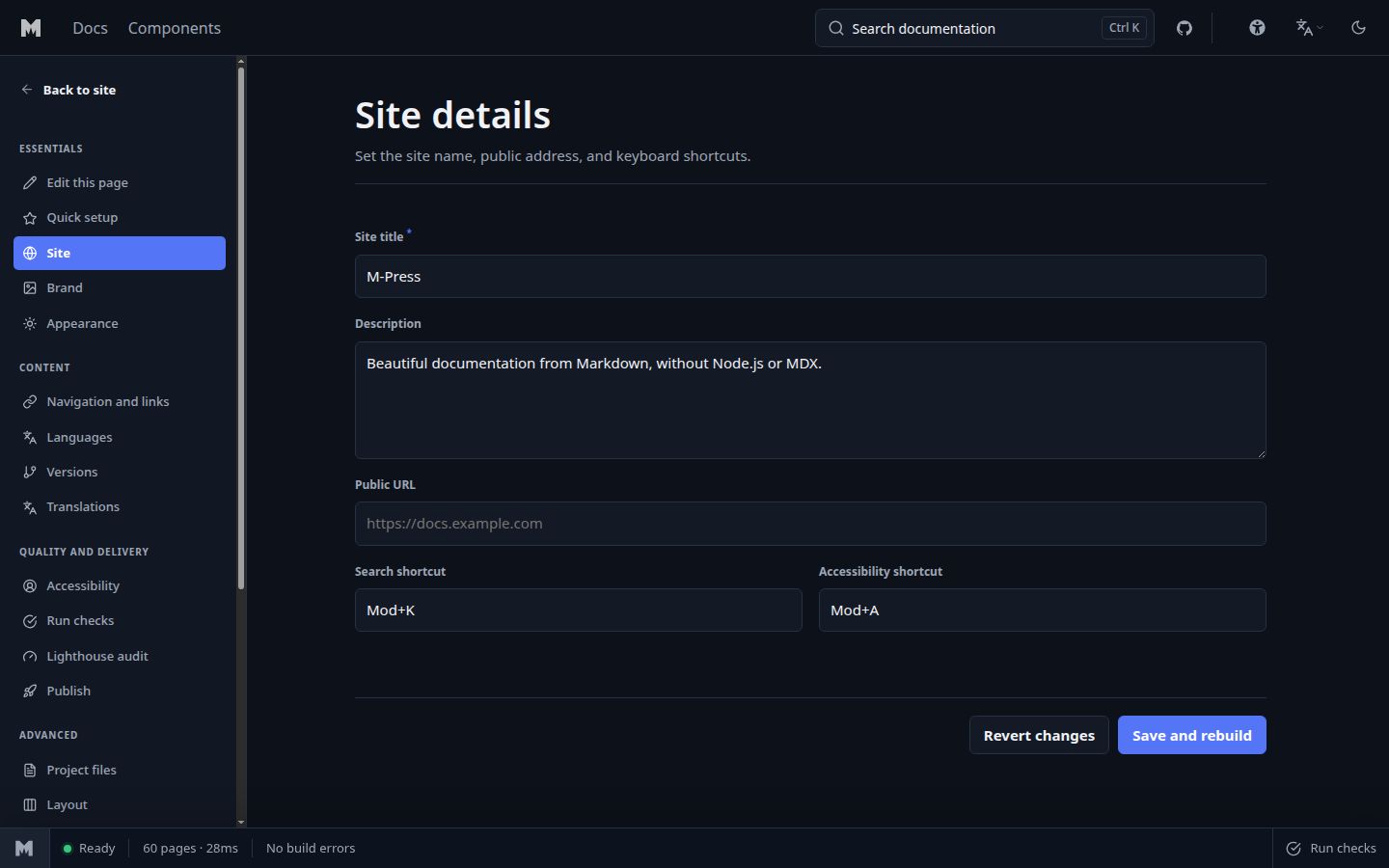
Edit content with fast rebuilds and browser refresh. Use the project workspace to configure the complete YAML file, run checks, inspect timings, audit Lighthouse scores, export a ZIP, translate content, create versions, and deploy.
Strict builds catch duplicate routes, unsupported MDX, broken links, missing assets, and invalid configuration before release.
Static output that stays portable.
The production result is HTML, CSS, JavaScript, JSON, and assets. Serve it from any static host. No M-Press process, application server, model provider, or database is needed after the build.
Export a production ZIP, deploy from the project workspace, or run the same deterministic command in CI.
$ mpress build --strict
$ mpress export site.zip
$ mpress deploy production